J
jianmingyong
Guest
Yap... as I suspected. You are having a internet connection sharing with many people and not really a modem or a router... so I don't think you can port forward.

✨ ARCHIVE MODE ✨
The forum has now been set to read-only mode, no new posts, resources, replies etc will not be possible.
We recommend you join our Discord server to get real-time response: Discord Invite Link

Nah... It is not wastingok then
thanks and sorry for wating u r time
 At least we learn something new

ipconfig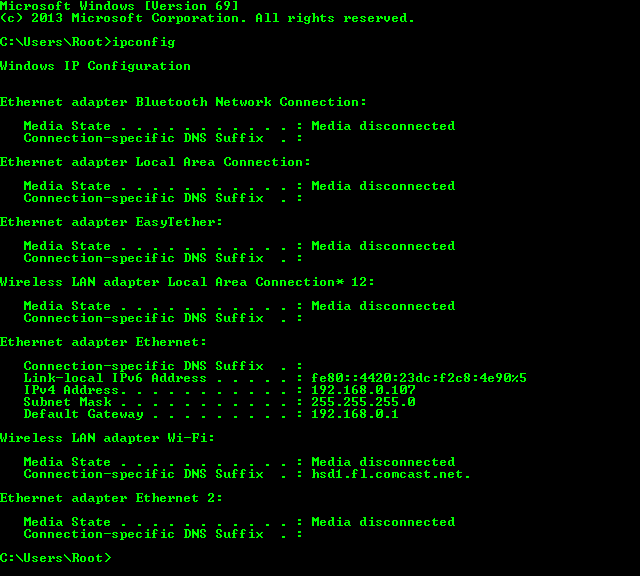
So then you look at your default gateway which is 172.16.170.1i only got this
View attachment 6553
and sorry for late reply i got some internet problems.
now my computer is fixed so i can create one server.
Type that into your browser, hope it opens up the page for your router, find port forwarding and use the following information:then what should i do
What are you talking about?said that it is close
That's not what you're supposed to be doing. Type 172.16.170.1 into your browser, sign in (google it or guess), find the port forwarding page, and then use the information I provided.
I would just assume that you can't port forward then.no there is no page for it