
-
✨ ARCHIVE MODE ✨
The forum has now been set to read-only mode, no new posts, resources, replies etc will not be possible.
We recommend you join our Discord server to get real-time response: Discord Invite Link
Internet Connection Issues
- Thread starter DaBenji
- Start date
J
jianmingyong
Guest
He mean launch the launcher by right clicking it and press run as administrator  are you sure you did this?
are you sure you did this?
When you are running the program as administrator and you don't even have any antivirus (given you restarted your computer after deactivating it) or firewall involved, the problem is NOT your computer, but rather your router or ISP.
(The problem is that you aren't able to connect to our game server btw)
(The problem is that you aren't able to connect to our game server btw)
Did you restart your computer after deactivating your anti virus?Yes, i understand this, but never had this issue before, so I honestly do not know how to manually connect it. Just leaving firewall off and what not so i can leave this page up instead of reactivating then restarting pc.
Yes, but I actually deactive windows firewall just now, I did not see it having pathway for pokemon 3d in it, so opened it up and turned it off too see if this 1 is problem. I shall return!
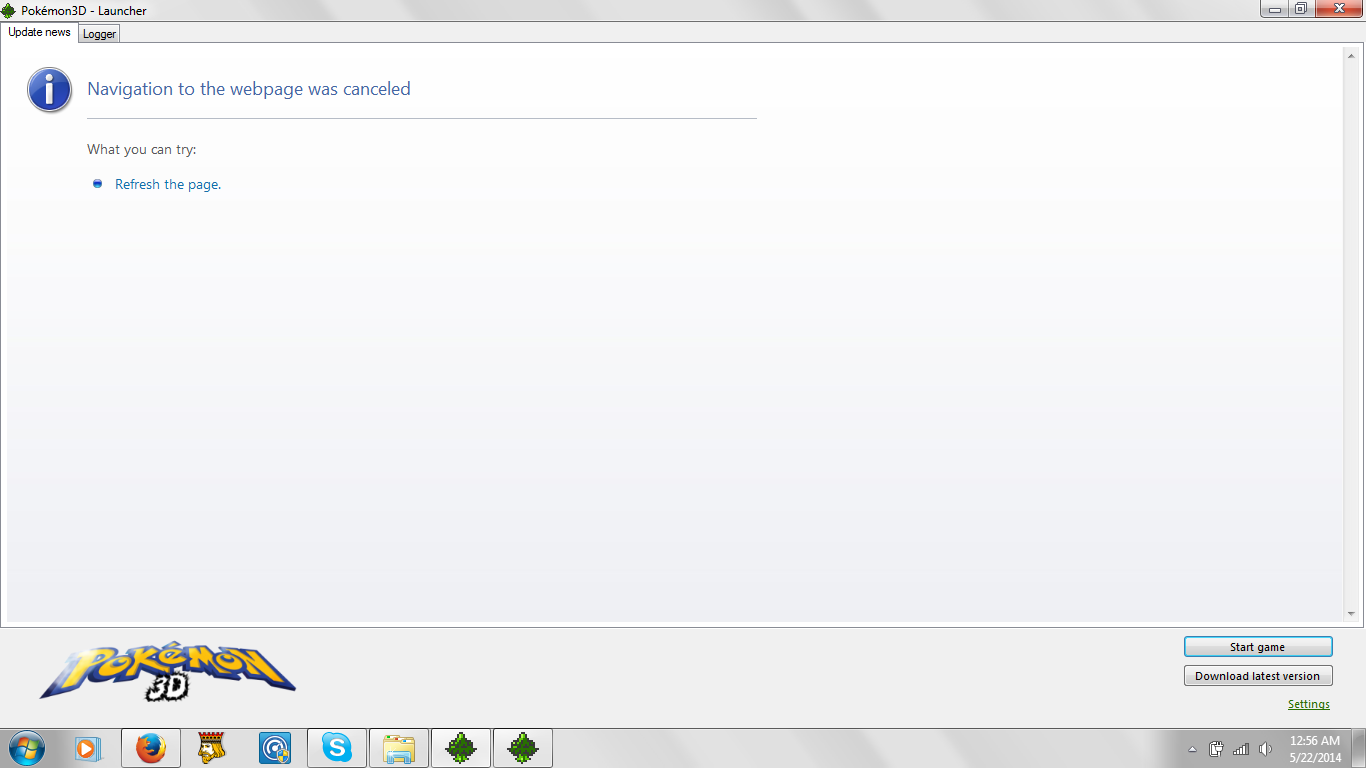
ayaya, this is confusing me, I will not give up though! So its not the fire wall, any other ideas?
I have it working, thank you guys for your time
ayaya, this is confusing me, I will not give up though! So its not the fire wall, any other ideas?
I have it working, thank you guys for your time
Last edited by a moderator:

What was the problem exactly? and how did you solve it?I have it working, thank you guys for your time
Nilllzz was faster than me
Dat guy is like a greninjaI did a system restore, I found out it was a problem with my computer. To be specific, AVG was blocking ALOT of things from connecting to internet, including basic windows update. I ran diagnostics and tested other stuff, to make long convo short, it broke some other games and some files got corrupted, so I went to before i had avg on a system file, I'll go to friend's house who has fiber optic internet and have it fully updated bye end of tomorrow so thank goodness it wasn't big deal. I think AVG didn't install right or something.
Yeah, an Antivirus software tends to do such things.I did a system restore, I found out it was a problem with my computer. To be specific, AVG was blocking ALOT of things from connecting to internet, including basic windows update. I ran diagnostics and tested other stuff, to make long convo short, it broke some other games and some files got corrupted, so I went to before i had avg on a system file, I'll go to friend's house who has fiber optic internet and have it fully updated bye end of tomorrow so thank goodness it wasn't big deal. I think AVG didn't install right or something.
The are the bane of all software developers with programs involving networking.