• ✨ ARCHIVE MODE ✨
    The forum has now been set to read-only mode, no new posts, resources, replies etc will not be possible.
    We recommend you join our Discord server to get real-time response: Discord Invite Link

Fixed [Indev 0.46.1] Incorrect Location Headers upon Game Boot

Tornado9797

Content Developer
P3D Developer
Global Moderator
By entering an area with the same name of the area you were in before, the location header displays the wrong location name:
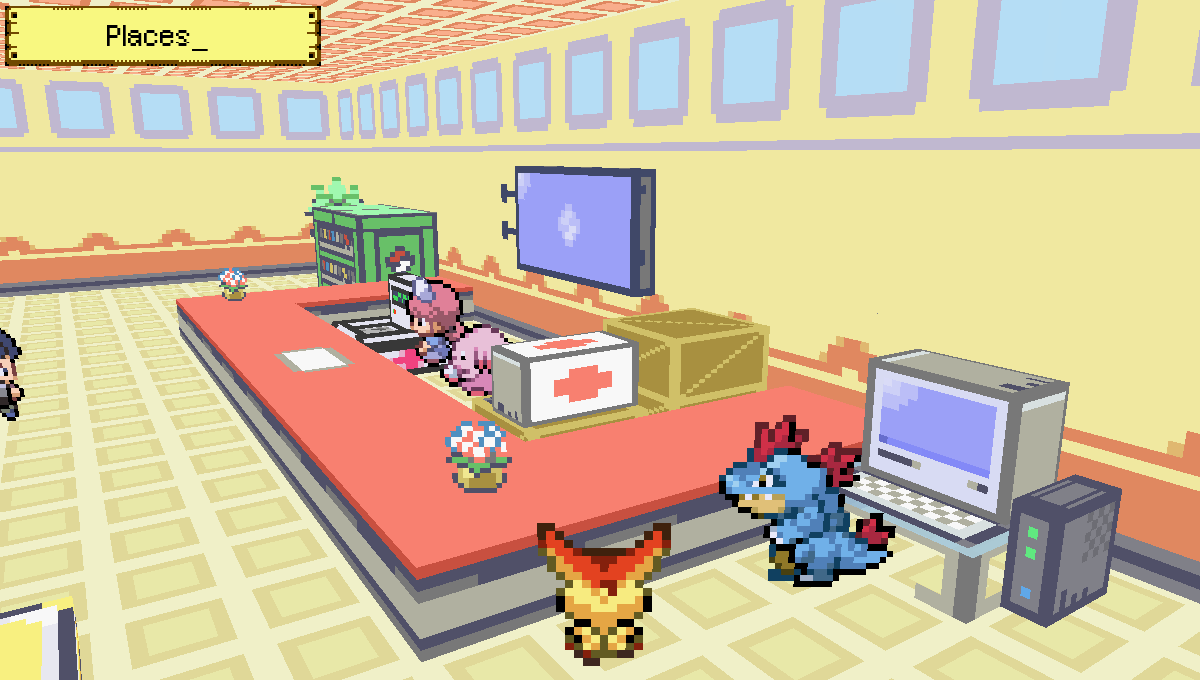
2014-03-16_17.59.06.png
2014-03-16_18.24.46.png
 
J

jianmingyong

Guest
By entering an area with the same name of the area you were in before, the location header displays the wrong location name:
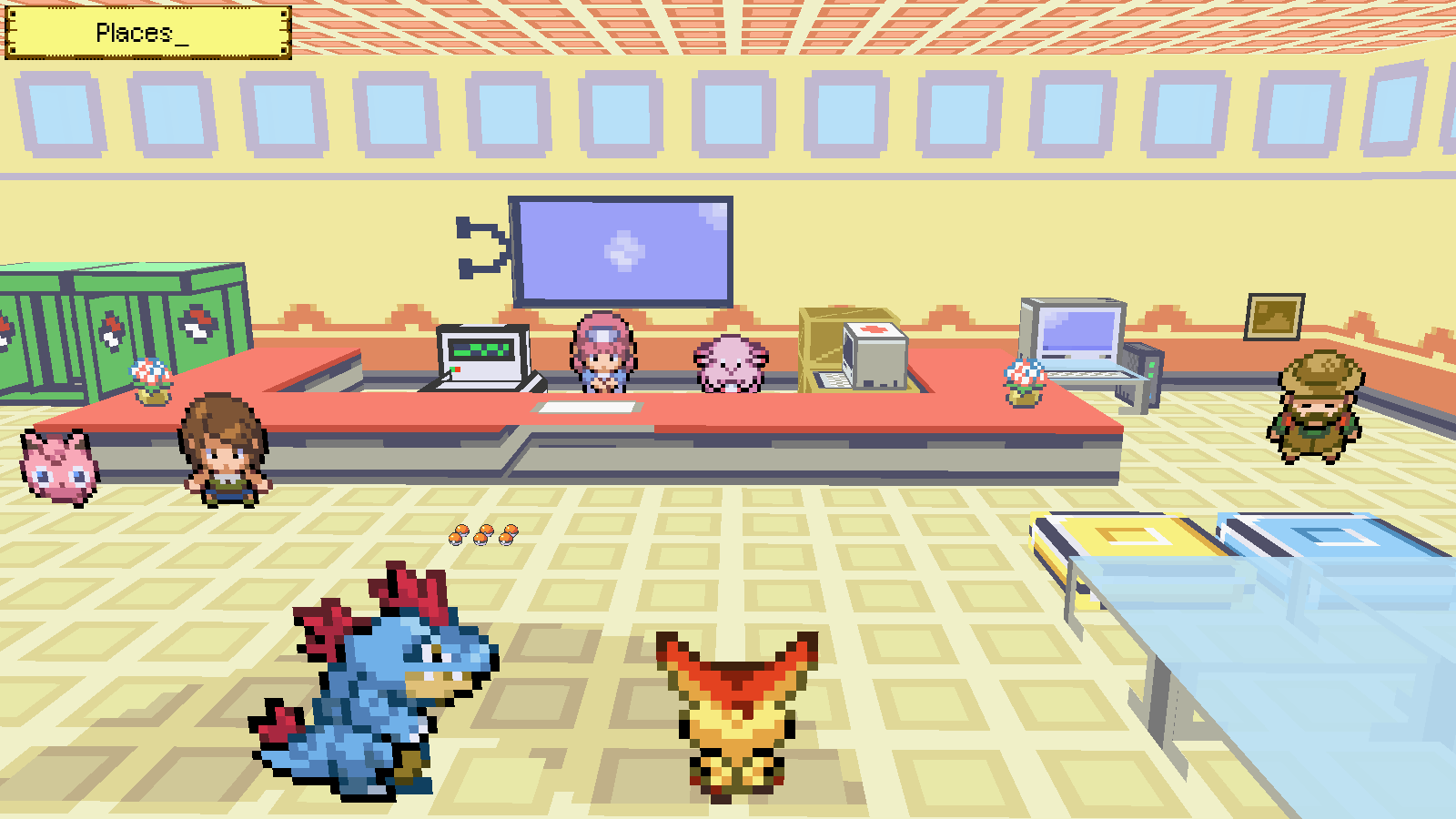
View attachment 4538 View attachment 4539
I can only say that this happens random at times when you load your game. I seem to be able to reproduce sometime but it fix itself after that.

Edit:
Steps that I can reproduce or even more funny bug.
1. I load my own gamemode "Pokémon FireRed Universal 3D".
2. Goto Route 1, and Save.
3. Quit game and now load online mode.
4. And the location name seem to be bug.
2014-03-18_00.46.19.png


If you just open Pokemon3D.exe and load your online mode straight away without playing offline mode. This is what you get,
2014-03-18_00.54.21.png


It is using the last location as the tag when you first load the game. So this is confirm to be a bug!
 
Last edited by a moderator:

Tornado9797

Content Developer
P3D Developer
Global Moderator
Setting this thread's status to Confirmed, since more people than just me have experienced this bug.
 

Adrinus

Trainer
This also occurs for me. Best guess is that the message from the server gets cut short or never arrives, and it defaults to Places_ (I guess this because I've had this issue alot using UDP to send data packets, sometimes they just get lost)
 

nilllzz

Original Developer
Administrator
P3D Developer
Now that you remind me of this... I fixed that earlier. So Fixed in Next version.
 
Top
