• ✨ ARCHIVE MODE ✨
    The forum has now been set to read-only mode, no new posts, resources, replies etc will not be possible.
    We recommend you join our Discord server to get real-time response: Discord Invite Link

Problem making a texture pack

Status
Not open for further replies.

joanib14

Trainer
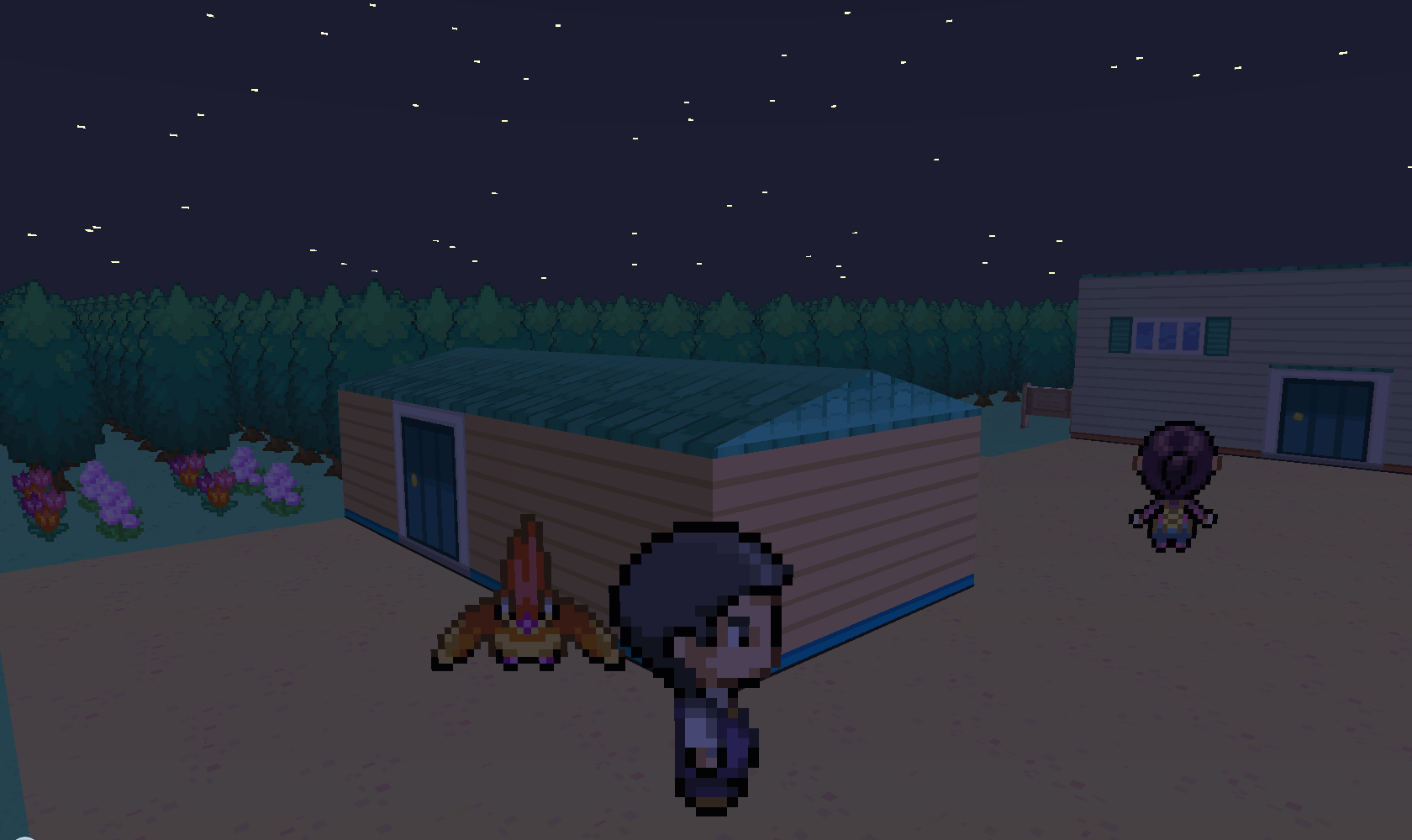
I am using the Kira_Pro_Grafik_HD texture pack as a template to make a texture pack of my own, but some parts of the roofs are up side down even though they use the same texture as the right side up parts (pictures attached). Is there any way to fix this?
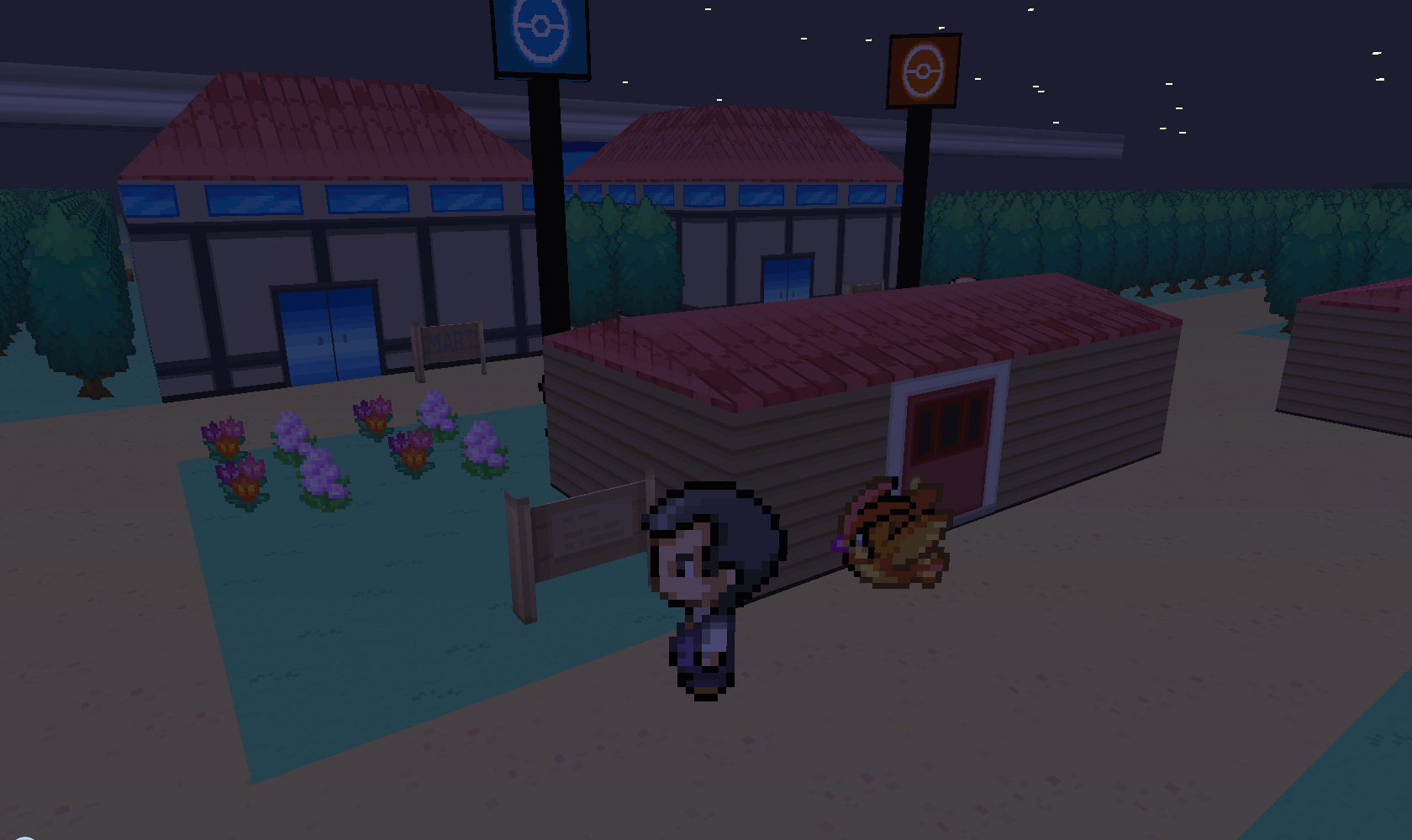
2013-08-12_19.13.46.png


2013-08-12_19.36.23.png

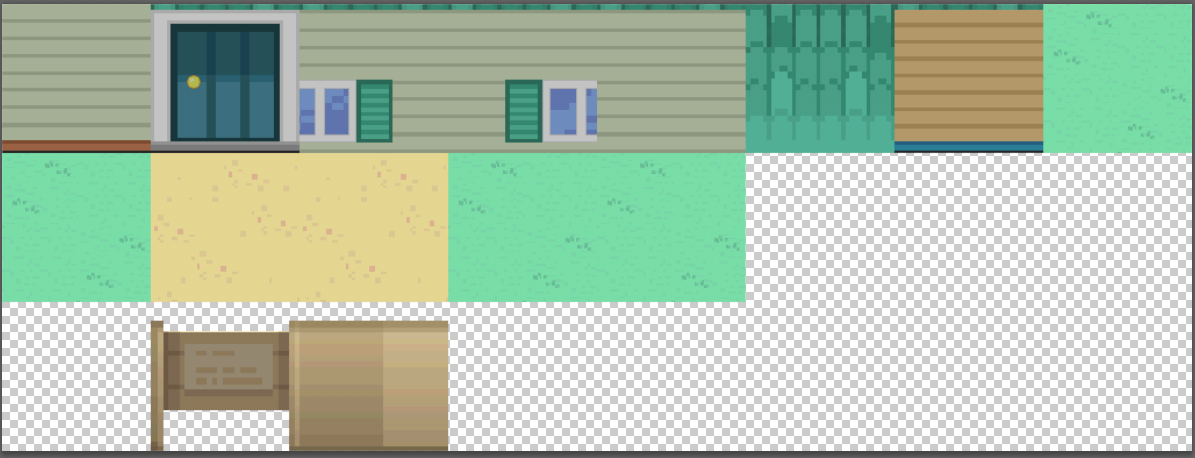
Here are what the texture maps look like
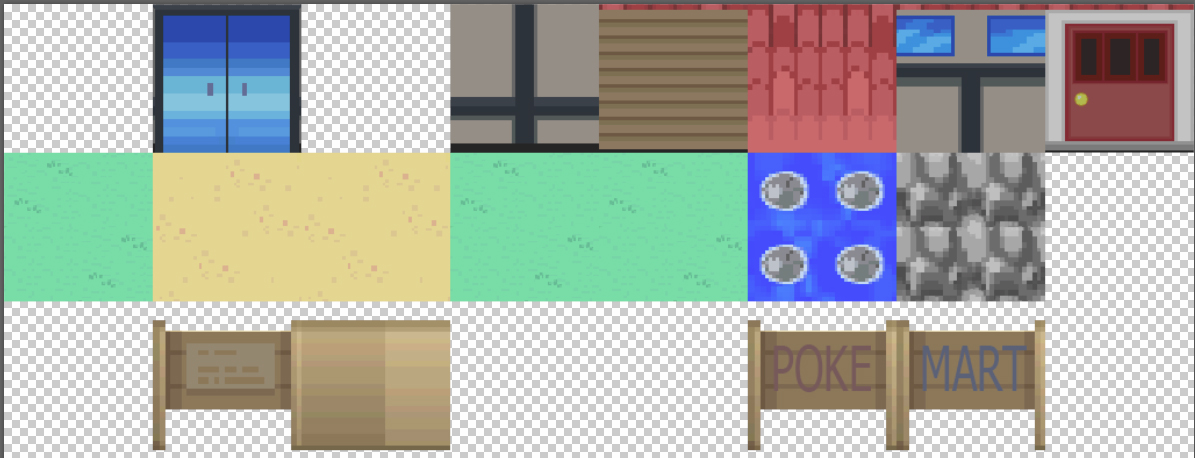
cherrygrove.jpg
new bark.jpg
 

Darkfire

Administrator
Administrator
P3D Developer
Woot!
New Texture pack coming!
I will look into getting them to switch around the right way
does the other side look like that too?
 

joanib14

Trainer
Yes, it is like that on the other side too. what i forgot to mention above is that this also happens at Azalea, Goldenrod, Olivine, Cianwood, Mahogany, and the lake of rage( I haven't checked black thorn yet).
 

Darkfire

Administrator
Administrator
P3D Developer
I expect that it is the same at all of them because the houses are basically copies of eachother with the textures and stuff changed afterwards
I believe the issue won't be too hard to solve but since it is a hard coding issue with the model instead of a issue with the map I must wait for nilllzz
 

Genshie

Pokémon Ranger
I am rooting for you dude! Looks good so far. (Since the other texture packs are outdated and only work when outside most places now) Also if you keep it updated (at least the Johto part of it since it is almost done) I will constantly use it. XD I am already using bits and pieces from other texture packs that work still.
 

Enethil

Community Support & Suggestions/Feedback Moderator
Donator
Trusted Support
Retired Mod
Looks great so far, we need another texture pack. I might be using it when it is released.
 
Status
Not open for further replies.
Top