

snypr1337
Dragon Tamer
Alright, I've noticed many people have been complaining about "the new update that glitched the trees" I don't know if someone already posted a solution, but this my easy version of it.
**ALWAYS MAKE SURE TO BACKUP YOUR FILES BEFORE ANY PROCEDURE**
First, go to your Pokemon folder (the folder that contains all of Pokemon3D's game files)
Then, find the map folder, and delete it.
Finally, run the Pokemon 3D Launcher, and download the game files. This will re-download the map files and fix the discolored trees issue. If you are complaining about the tree colors, and they aren't black and white, but an autumn style, that's not a glitch. The creators implemented that.




**ALWAYS MAKE SURE TO BACKUP YOUR FILES BEFORE ANY PROCEDURE**
First, go to your Pokemon folder (the folder that contains all of Pokemon3D's game files)
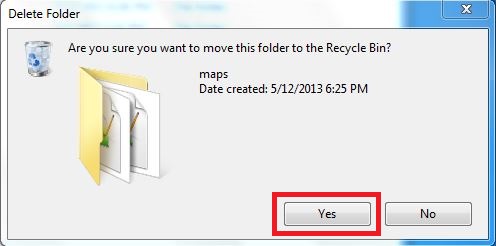
Then, find the map folder, and delete it.
Finally, run the Pokemon 3D Launcher, and download the game files. This will re-download the map files and fix the discolored trees issue. If you are complaining about the tree colors, and they aren't black and white, but an autumn style, that's not a glitch. The creators implemented that.


